
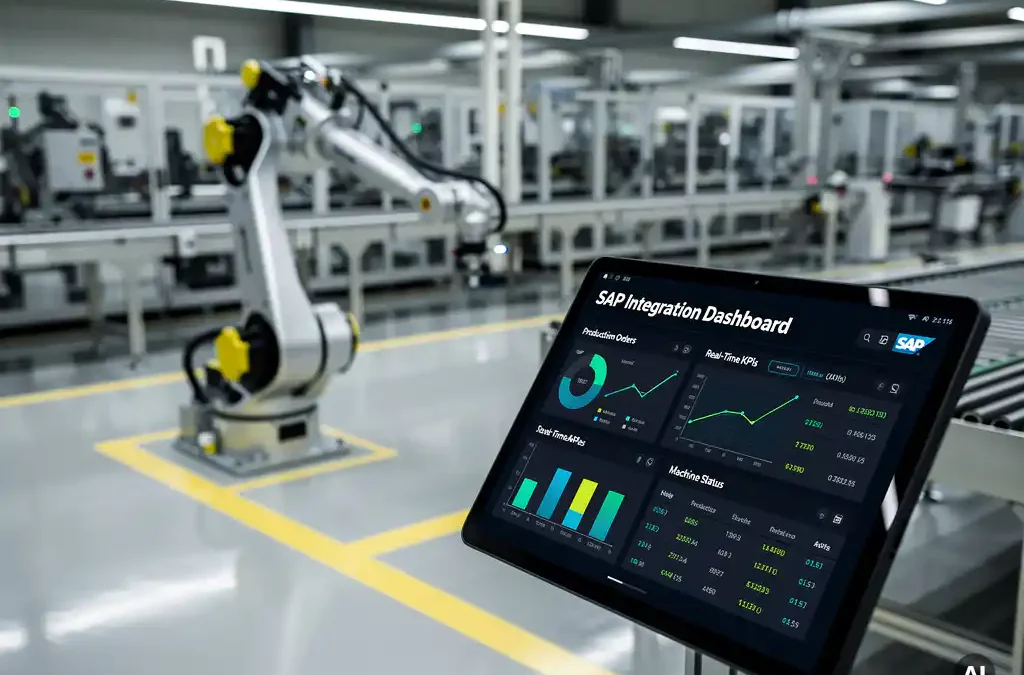
Integrating SAP with a shopfloor system is a crucial step for manufacturers looking to streamline operations and enhance productivity. This integration allows seamless data flow between enterprise-level planning and real-time shopfloor execution, ensuring that production aligns closely with business objectives. In this guide, we'll explore the importance of SAP integration, the steps to achieve it, and the challenges you might encounter along the way.
Understanding SAP and Shopfloor Systems
SAP is a powerful enterprise resource planning (ERP) tool that helps manage business processes by providing a unified system for finance, logistics, and human resources. On the other hand, shopfloor systems are designed to manage and monitor manufacturing operations directly on the factory floor. These systems handle tasks like production scheduling, machine monitoring, and quality control.
Integrating SAP with shopfloor systems bridges the gap between business planning and operational execution. This connection ensures that data flows smoothly from the top-level management to the shopfloor, enabling real-time decision-making and improving overall efficiency.
Why Integrate SAP with Your Shopfloor System?
Integrating SAP with your shopfloor system offers numerous benefits. Firstly, it enhances visibility across the entire production process. This integration allows for real-time tracking of production orders, inventory levels, and machine performance, leading to more informed decision-making.
Moreover, integration reduces manual data entry and the risk of errors. By automating data transfer between systems, you can ensure accuracy and save valuable time. Additionally, it supports better resource management by aligning production schedules with demand forecasts, ultimately improving customer satisfaction.
Steps to Successfully Integrate SAP with a Shopfloor System
To successfully integrate SAP with a shopfloor system, start by assessing your current infrastructure and identifying integration needs. This involves understanding the data flow requirements and determining which processes need to be automated.
Next, choose the right integration tools and technologies. Factorise, for instance, offers native connectors for SAP, ensuring smooth integration with minimal disruption. Implementing these tools requires careful planning and testing to ensure compatibility and performance.
Implementation and Testing
Once the integration tools are in place, begin the implementation process. This involves configuring the systems to communicate effectively and setting up data exchange protocols. Testing is crucial at this stage to identify any issues and ensure that the integration meets your operational needs.
Common Challenges in SAP-Shopfloor Integration
Integrating SAP with a shopfloor system can present several challenges. One common issue is data compatibility, where the formats used by SAP and shopfloor systems may differ. This requires careful mapping and transformation of data to ensure seamless communication.
Another challenge is managing the change process. Employees need to adapt to new workflows and systems, which can be met with resistance. Providing adequate training and support is essential to facilitate a smooth transition and encourage adoption.
Best Practices for Maintaining a Seamless Integration
To maintain a successful integration, regularly monitor system performance and address any issues promptly. Continuous improvement should be a priority, with regular updates and enhancements to the integration setup.
Additionally, fostering collaboration between IT and operational teams is vital. This ensures that both sides understand the integration's impact and work together to optimize processes. Regular feedback sessions can help identify areas for improvement and drive further enhancements.
Case Study: Successful SAP Integration in a Manufacturing Environment
Consider the case of a manufacturer who integrated SAP with their shopfloor system using Factorise. This integration enabled them to connect over 30 machines at the PLC level, significantly reducing issue resolution time by 40%. The manufacturer reported improved cross-shift collaboration and a noticeable boost in productivity.
Such success stories highlight the tangible benefits of SAP integration. By aligning business processes with shopfloor operations, manufacturers can achieve greater efficiency and responsiveness to market demands.
Ready to take the first step? We like to start with a fit-gap session: a day or two to understand where you are, which pain points are most urgent, and which modules deliver the fastest value. Book your first fit-gap session. No sales pitch. Just an honest conversation about what's realistic.
Frequently Asked Questions
What are the key benefits of integrating SAP with a shopfloor system?
Integrating SAP with a shopfloor system enhances visibility across production processes, reduces manual data entry errors, improves resource management, and aligns production schedules with demand forecasts, ultimately boosting customer satisfaction.
How can I choose the right integration tools for SAP and shopfloor systems?
To choose the right integration tools, assess your current infrastructure, identify integration needs, and consider tools with native connectors for SAP, like Factorise, which ensure smooth integration with minimal disruption.
What are common challenges faced during SAP-shopfloor integration?
Common challenges include data compatibility issues, requiring careful mapping and transformation, and managing change processes, which involves training employees to adapt to new workflows and systems.
How can I ensure a successful implementation of SAP integration?
Successful implementation involves assessing infrastructure, choosing the right tools, configuring systems for effective communication, and thorough testing to identify and resolve issues.
What are best practices for maintaining seamless SAP integration?
Best practices include regular monitoring of system performance, addressing issues promptly, fostering collaboration between IT and operational teams, and prioritizing continuous improvement with regular updates.
How does SAP integration improve decision-making on the shopfloor?
SAP integration improves decision-making by enabling real-time data flow from top-level management to the shopfloor, allowing for informed decisions based on current production and business data.
What steps should be taken if data compatibility issues arise during integration?
If data compatibility issues arise, focus on mapping and transforming data formats to ensure seamless communication between SAP and shopfloor systems. This may involve using middleware or custom solutions.
Related Articles
- What is Kepware and how does it connect to industrial equipment?
- How do you connect legacy PLCs to modern software?
- What is Industry 4.0 and what does it mean in practice?
- What is a control tower in manufacturing operations?
- What is Mendix and how is it used in manufacturing software?
- What is lean daily management in manufacturing?
- What is the role of digital tools in reducing labour dependency in manufacturing?
- What happens when an experienced operator leaves and takes their knowledge with them?
- How do you standardise processes across shifts in a factory?
- What is the manufacturing skills gap and why is it getting worse?
- What does an audit finding related to work instructions look like?
- How to reduce downtime in manufacturing?
- What is the average OEE in manufacturing?
- How do you know if your factory is performing as well as it should be?
- How do you measure performance losses in OEE?