
NEWS
What ‘connected worker’ actually means on the shop floor
September 3, 2026
What “connected worker” actually means on the shop floor
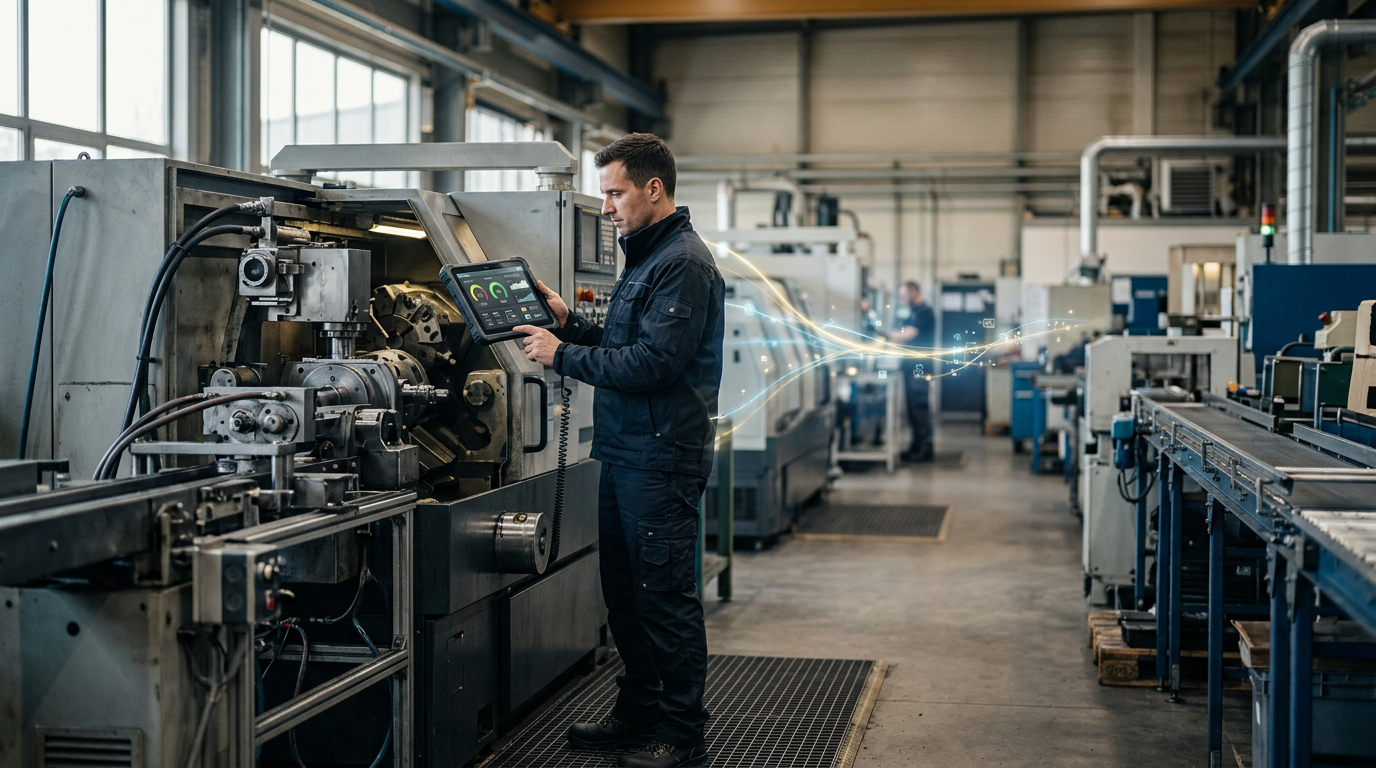
An operator with a tablet instead of a clipboard gets called a “connected worker” by most vendor marketing. By that definition, half of manufacturing has been connected for a decade. It hasn’t. Swapping paper for a screen changes how an operator records something. It doesn’t necessarily change what they’re connected to, and that second part is the one that actually matters.
Connected to what, exactly
A genuinely connected worker isn’t just entering data digitally. They’re working inside a live loop: the system tells them something (a machine just threw an alarm, a batch is out of spec, a colleague on the next shift flagged an issue), they act on it, and that action feeds back into the system for the next person or the next decision. Take that loop away and a tablet is just a faster clipboard. It captures data, but the data doesn’t come back around to help the person who entered it, or the person after them.
That loop only works if three things are actually connected, not just present.
The machines. If OEE, downtime, and quality data live in the machine’s PLC and nowhere else, the operator is still walking over to check a screen or waiting for someone to report a problem. OPC UA, MQTT, and direct PLC connections turn machine state into something the system already knows before the operator asks.
The systems of record. A connected worker platform that doesn’t talk to the ERP is showing a partial picture. Work orders, BOMs, and material data need to flow from SAP or Business Central into the tools the operator actually uses, not sit in a separate system that requires a second login and a mental translation.
The people. Shift handovers, escalations, and daily huddles are where a lot of tribal knowledge either gets passed on or gets lost. A connected worker setup carries context from one shift to the next automatically, so the night shift doesn’t start from zero on an issue the day shift already diagnosed.
Miss any one of these and “connected” quietly becomes “digital.” Useful, but not the same thing.
Why this distinction actually shows up on the floor
The gap between digital and connected is where most shop floor tools quietly lose adoption. An operator who logs an issue into an app, but never sees it acted on, learns fast that logging it doesn’t change anything. They stop bothering. A supervisor who has to check three separate systems to understand a downtime event ends up trusting their own walk of the floor more than any of them. The tool isn’t wrong, exactly. It’s just not connected to enough of what’s actually happening for anyone to rely on it.
Kemira’s rollout is a useful reference point here, because connected worker was the explicit design goal rather than a side effect. Sixty-one sites, SAP S/4HANA feeding work orders and material data through nineteen APIs, Kepware handling the OT layer, and a seven-person centre of excellence keeping the connections consistent as new sites came online. The operator interface is one part of that picture. The IT/OT integration underneath it is what makes the interface worth using.
What it takes to get there
None of this requires a single monolithic system that owns everything, and it shouldn’t. It requires an operator-facing platform built to sit between OT and IT rather than replace either one: pulling machine data in through standard protocols, pulling work and material data in through the ERP, and pushing decisions and context back out to whoever needs them next. That’s an integration and data model question first, and a UI question second, even though the UI is what gets photographed on go-live day.
If a shop floor tool can’t answer where its machine data comes from, where its ERP data comes from, and where the information an operator enters actually goes next, it’s a digital tool. Worth having, but not a connected worker platform. The difference isn’t marketing. It’s whether the person on the floor is working with current information or working alone with a nicer interface.
Curious what a properly connected setup looks like for your own IT/OT landscape? See how Factorise connects machines, ERP, and operators →